Your learners are bored. Your courses are tired. Your clients want wow. Now you can deliver it — no coding, no developers, no delays.





Drop in any GLB or GLTF — from CAD exports, SketchFab, or your design team.
Pin annotations, slice to reveal internals, add step-by-step callouts and safety notes.
Copy one line of iframe code and paste it into Rise, Storyline, Captivate, or any LMS.
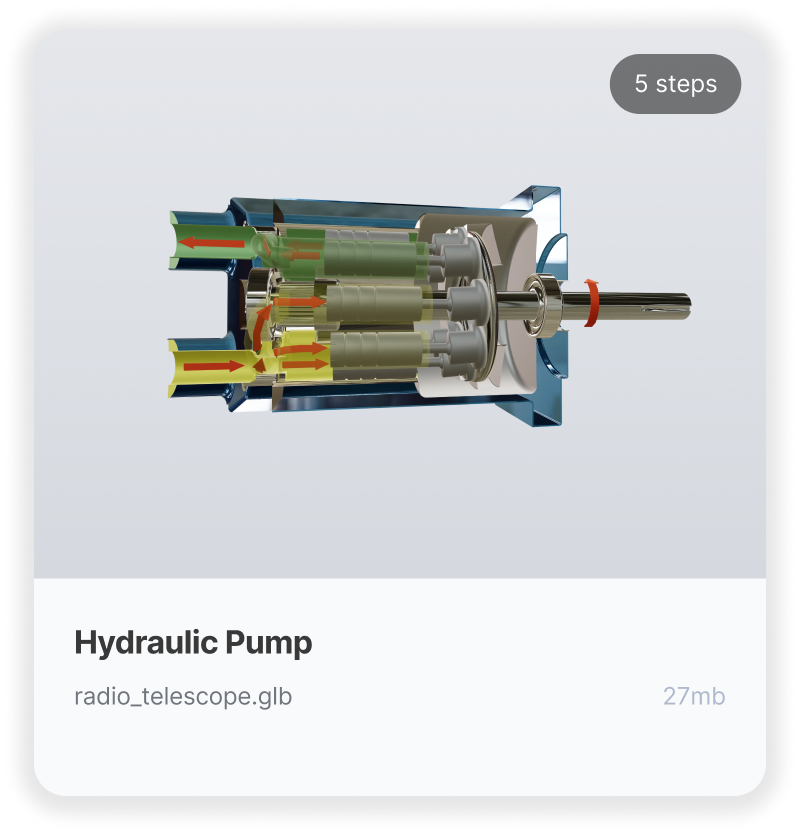
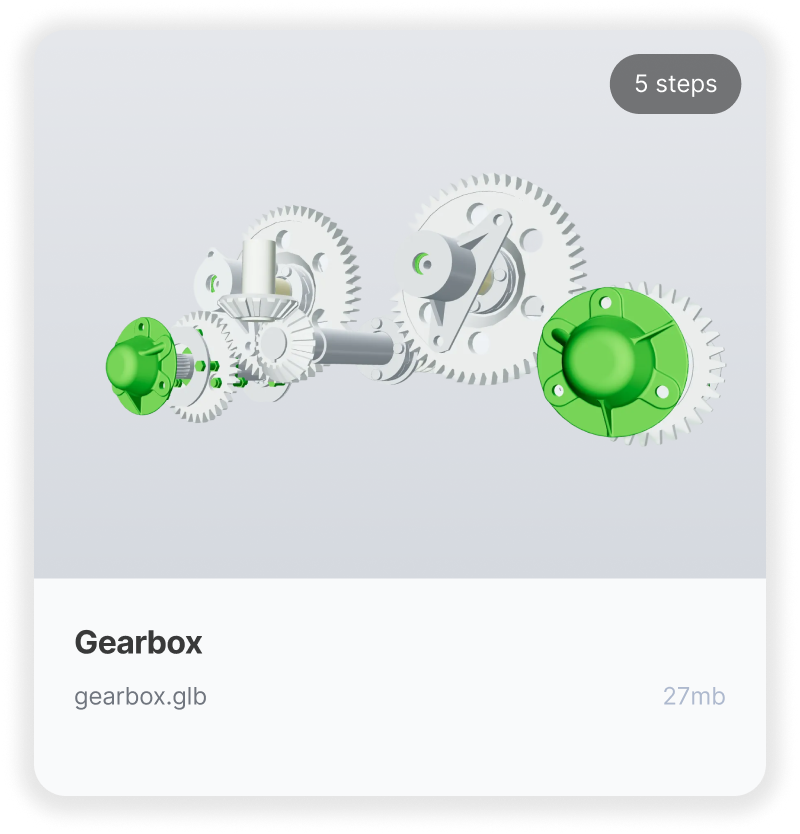
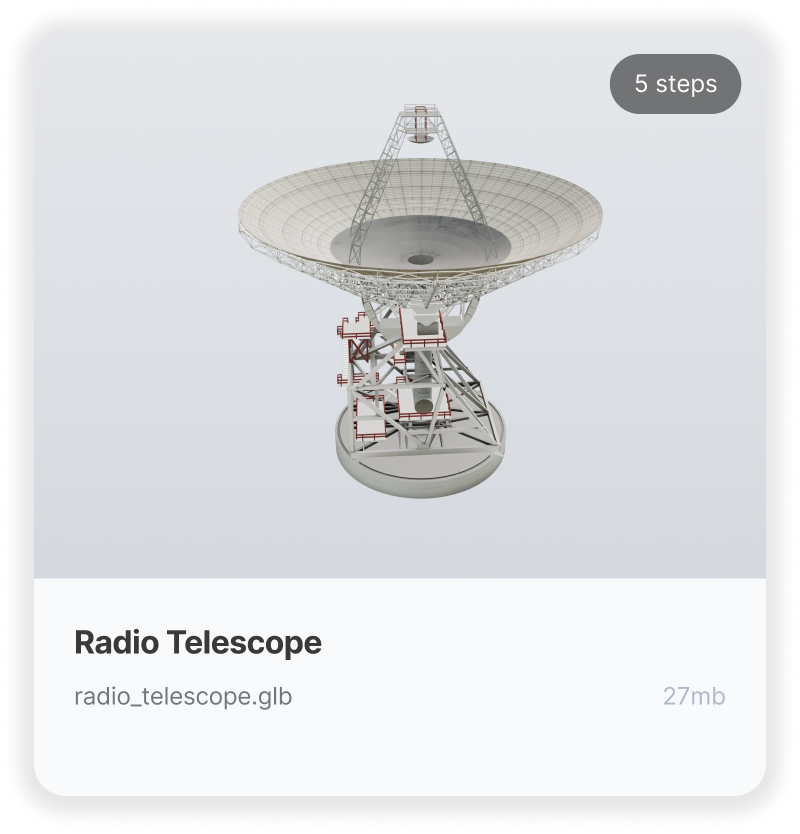
Experience Embed3D instantly. Click any "Copy Embed Code" button below, then paste the code into Articulate Rise, Storyline, Adobe Captivate, or anywhere iframes are accepted. Visit our Docs for step-by-step embedding guides.
Four simple steps to transform your training from compliance checkbox to client showpiece.
Drop in a .glb or .gltf file (or use your existing 3D assets).
Highlight key components, steps, or safety details — directly in your browser.
Rotate, pan, zoom and use the tools to guide users through your model.
Grab your Embed3D code, drop it into Rise, Storyline, Captivate, and watch your lesson come alive.

Embed3D inside of Articulate 360 Rise
See what you can do with Embed3D's interactive authoring features.
Compare Plans →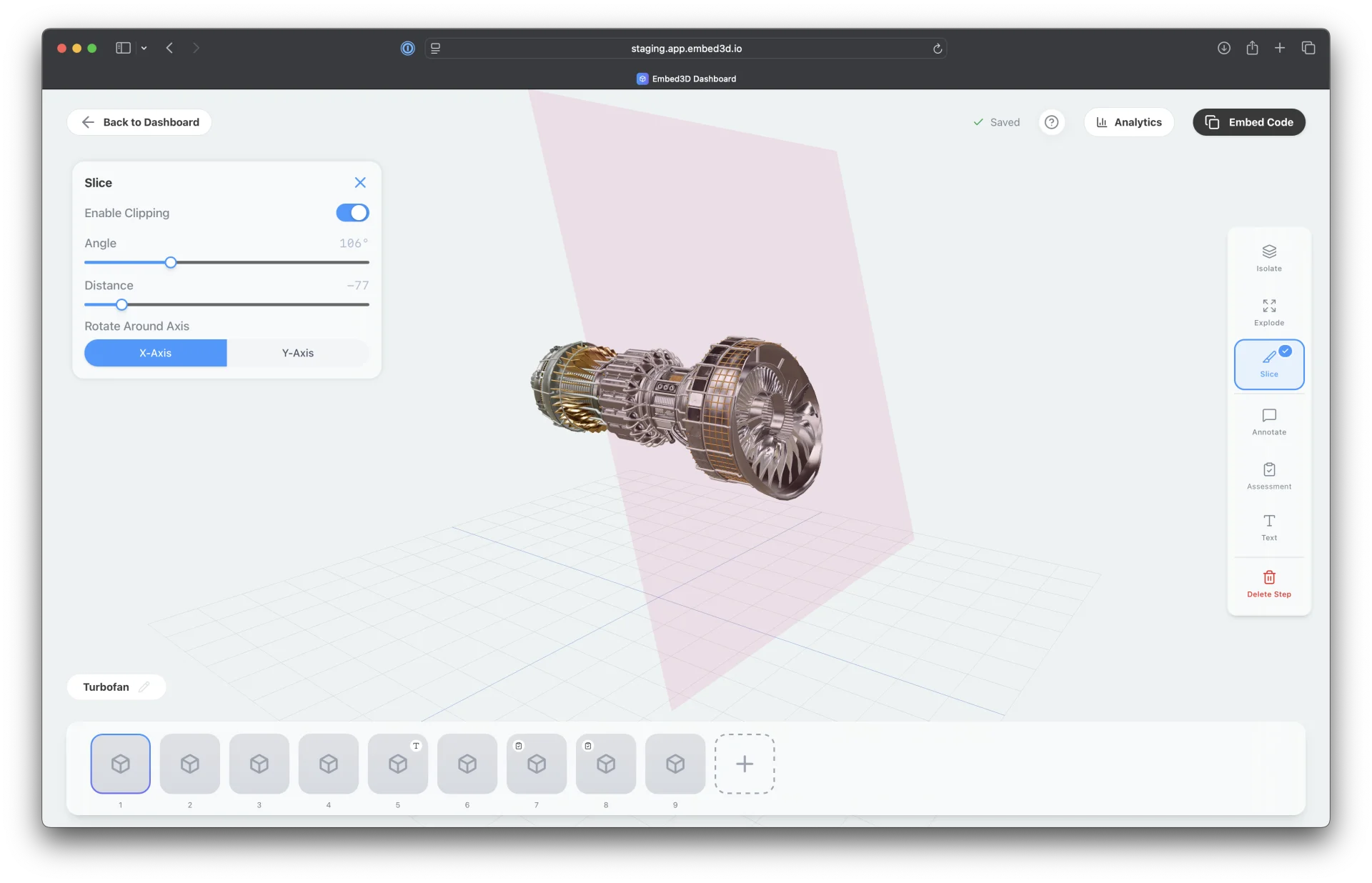
Cut through any 3D model with a cross-section plane to reveal hidden internals.
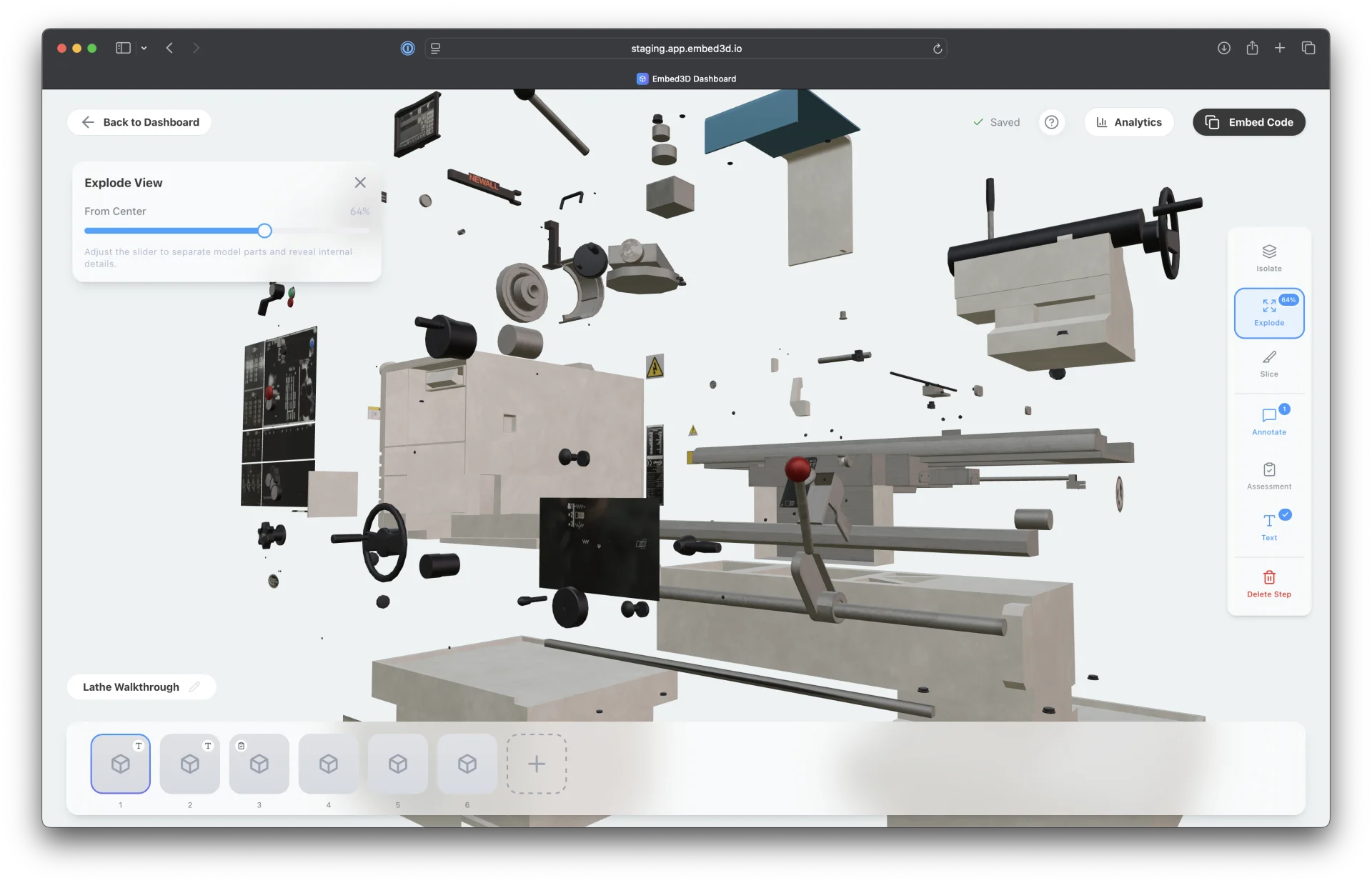
Separate all parts radially to show how components fit together.
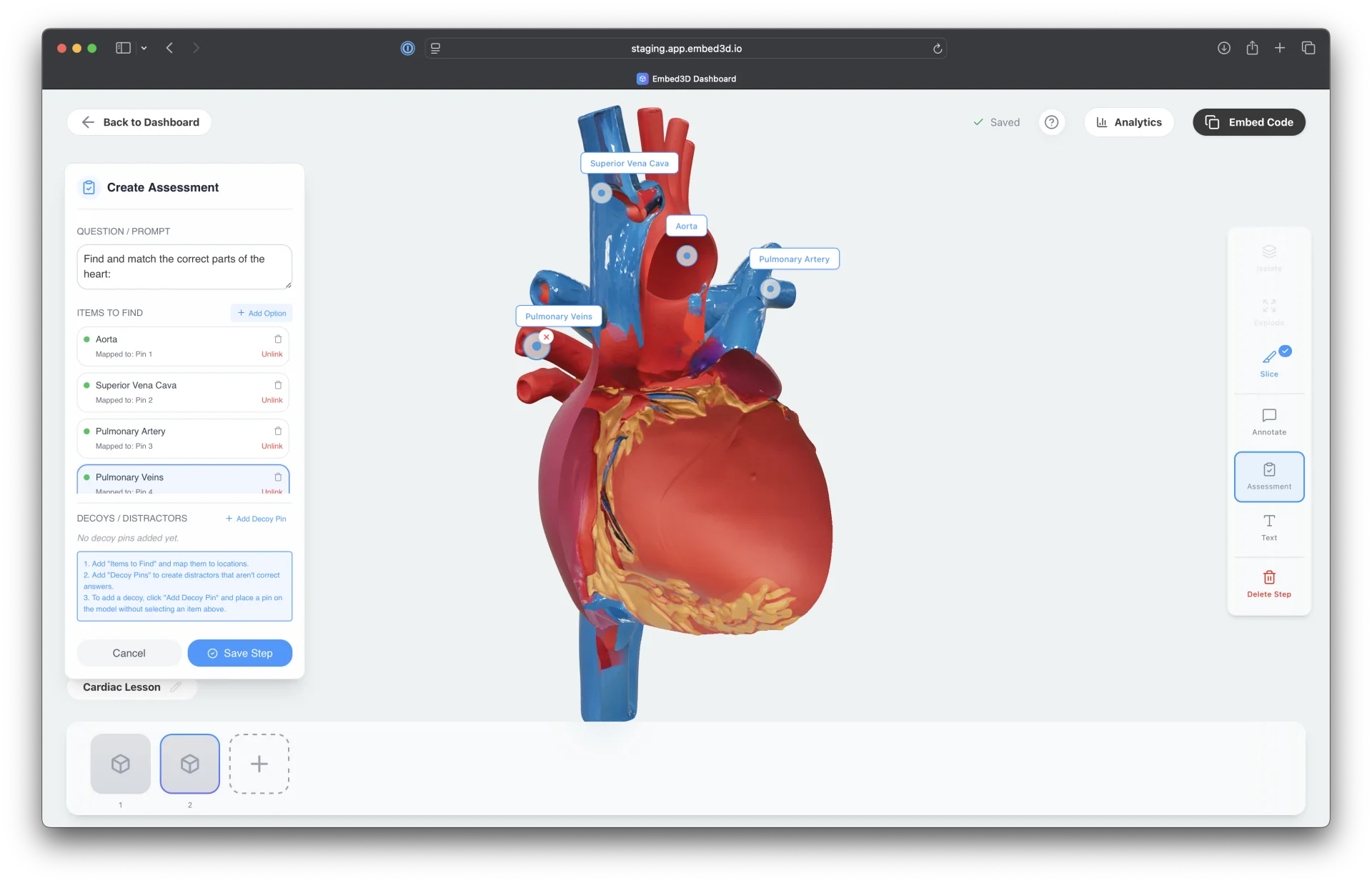
Pin-and-match quizzes directly on 3D models with instant visual feedback.
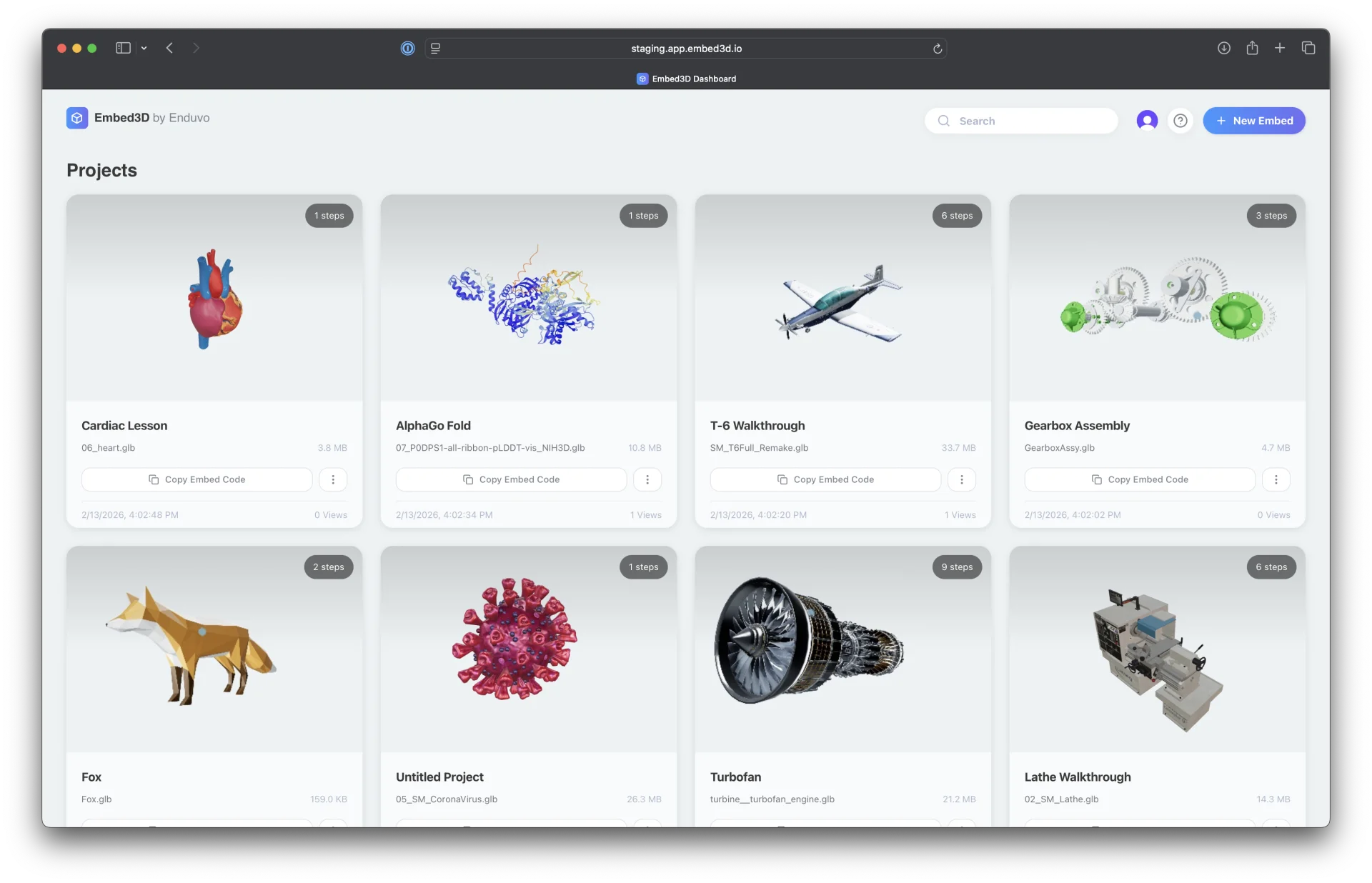
No project caps and 75 MB uploads for larger, more detailed models.
Join a community of e-learning innovators who are transforming how people learn. Earn commissions, unlock exclusive perks, and help shape the future of interactive training.
Add Embed3D to your workflow today and wow your learners with interactive content that engages, inspires, and sticks.